Developer Tools desktop widgets
The Kepo Developer Tools plugin turns small developer checks into desktop widgets so JSON, JWTs, regex tests, hashes, timestamps, cron schedules, colors, diffs, and UUIDs stay one glance away.
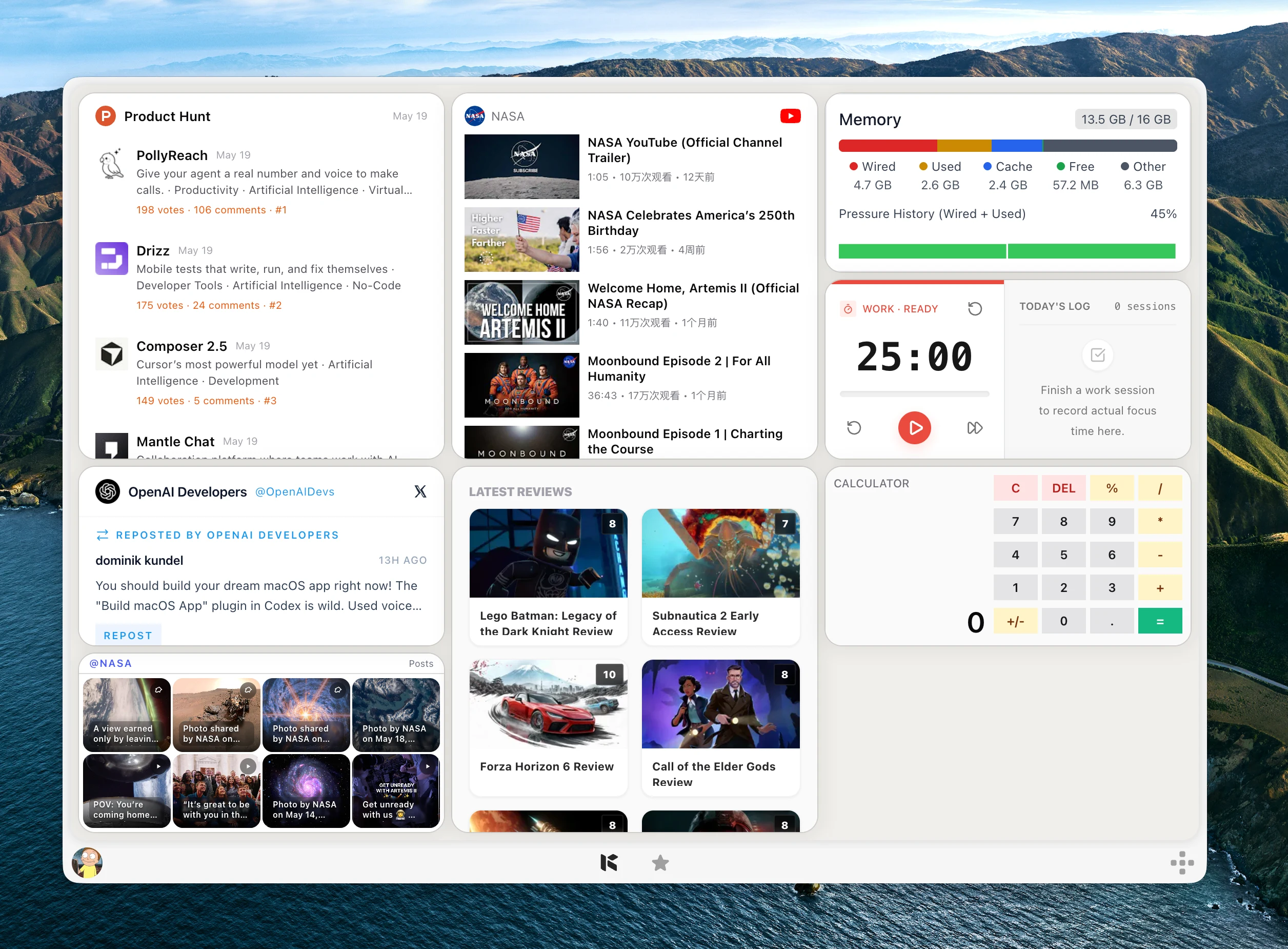
A lot of development work is interrupted by small checks.
You format a JSON response, decode a token, test a regular expression, convert a timestamp, preview a cron schedule, or generate a UUID before returning to the real task.
Developer Tools puts those utilities into Kepo widgets so the checks stay close without turning into another collection of browser tabs.
Developer Tools is for repeated local utility work: inspect a value, copy the result, and return to the code or terminal.
Create it with Kepo AI
Developer Tools is for repeated local utility work: inspect a value, copy the result, and return to the code or terminal.
Key solutions at a glance The main decisions from this guide, condensed into one table.
Use one desktop surface for small developer checks
The plugin includes ten focused widgets instead of one crowded toolbox. Each widget is sized around the work it performs, so text-heavy tools get more room while quick converters stay compact.
This makes it easier to keep only the utilities you actually use on the panel: a JSON formatter during API debugging, a timestamp converter while reading logs, or a UUID generator when creating test data.
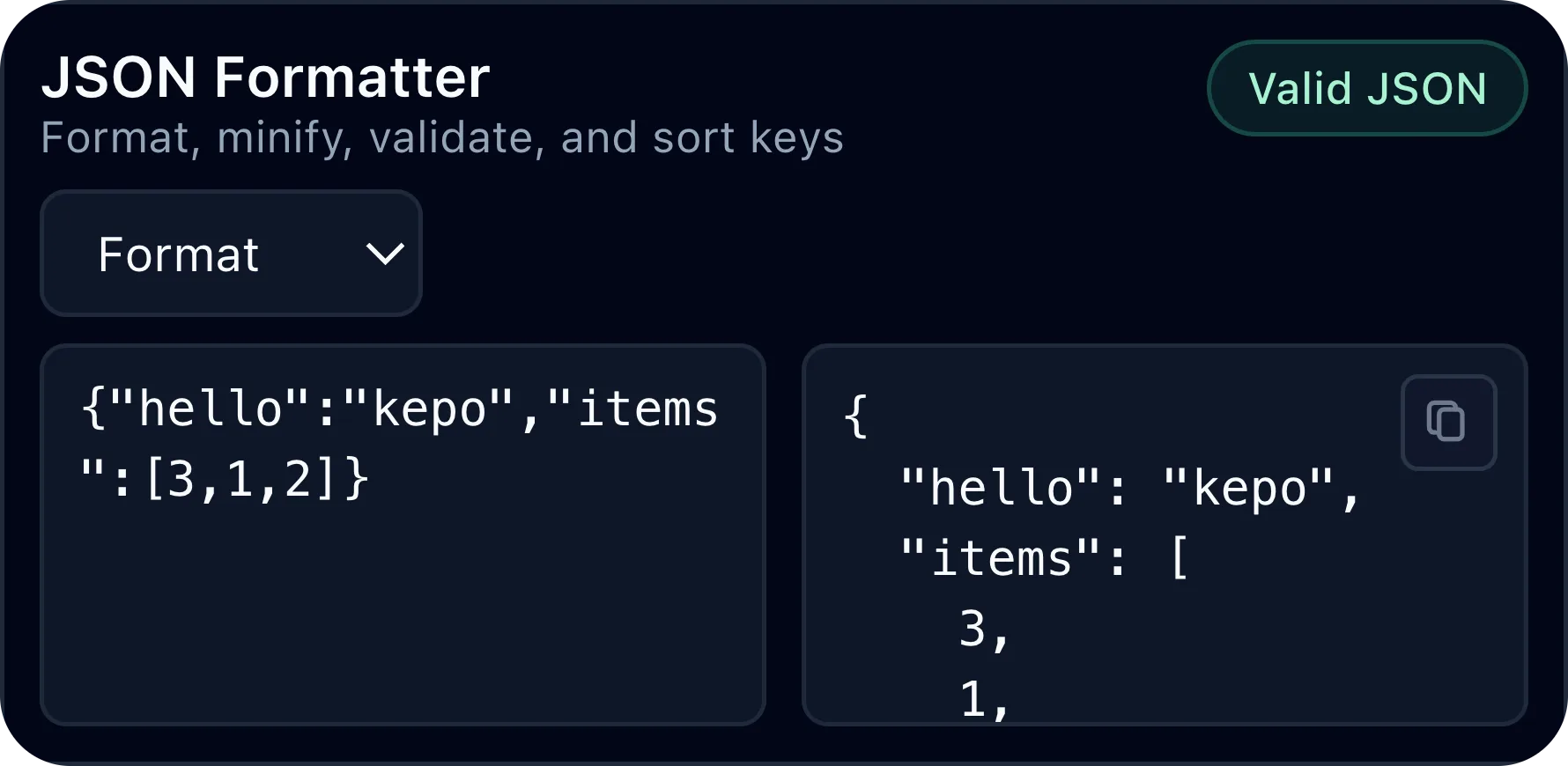
Format JSON and inspect JWTs without reopening web tools
JSON Formatter handles formatting, minifying, validation, and key sorting for structured payloads you are already copying between services.
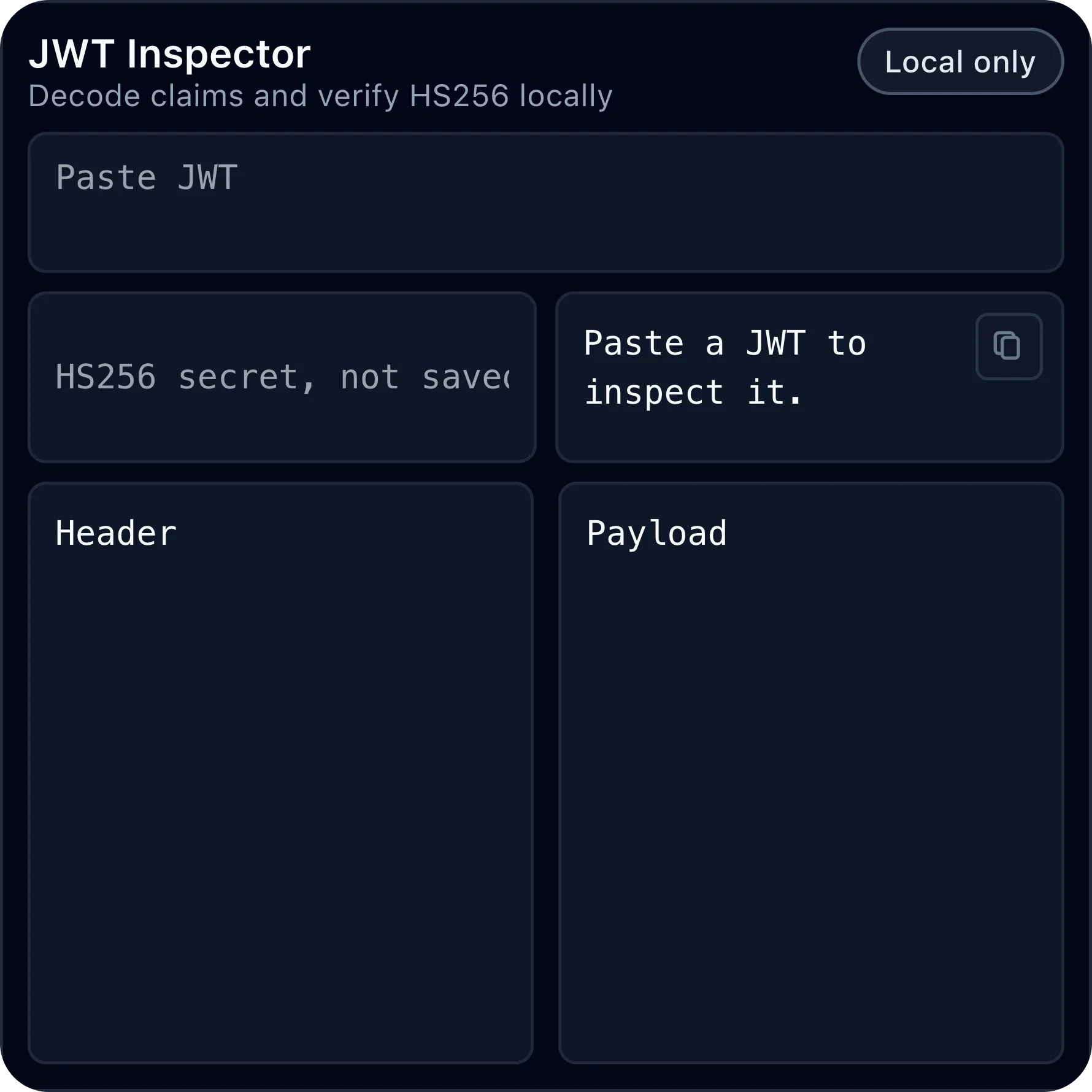
JWT Inspector decodes headers and payloads, shows expiry information, and can verify HS256 signatures when you need to inspect a token during development.
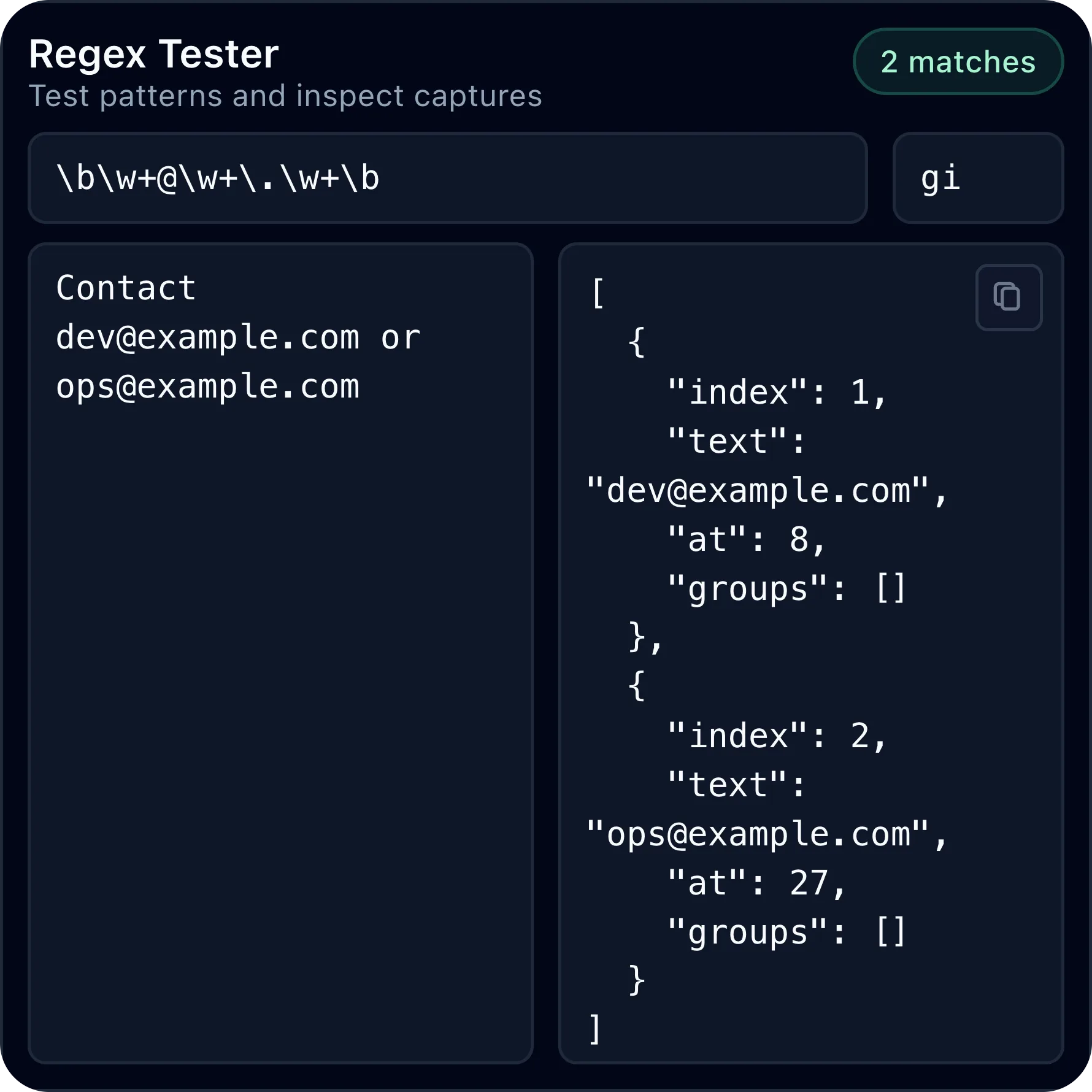
Test regex, generate hashes, encode values, and compare snippets
Regex Tester lets you try an expression against sample text and inspect matches and captures without leaving the desktop panel.
Hash Generator, Encoder / Decoder, and Text Diff cover the other small text tasks that often appear while debugging APIs, writing docs, or preparing test fixtures.
Convert timestamps, preview cron runs, colors, and UUIDs
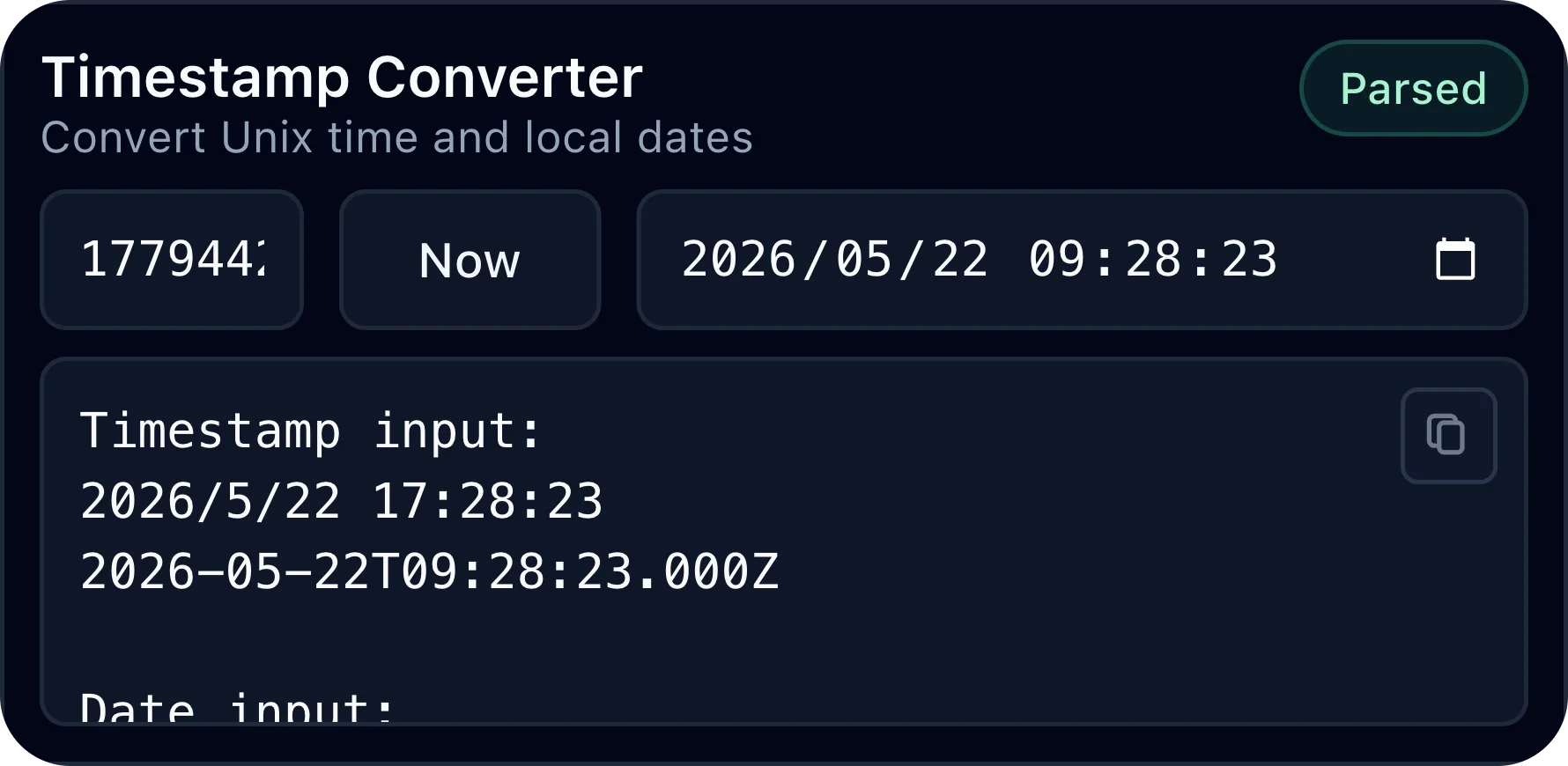
Timestamp Converter switches between Unix timestamps, milliseconds, local date-time input, and ISO output for logs and API values.
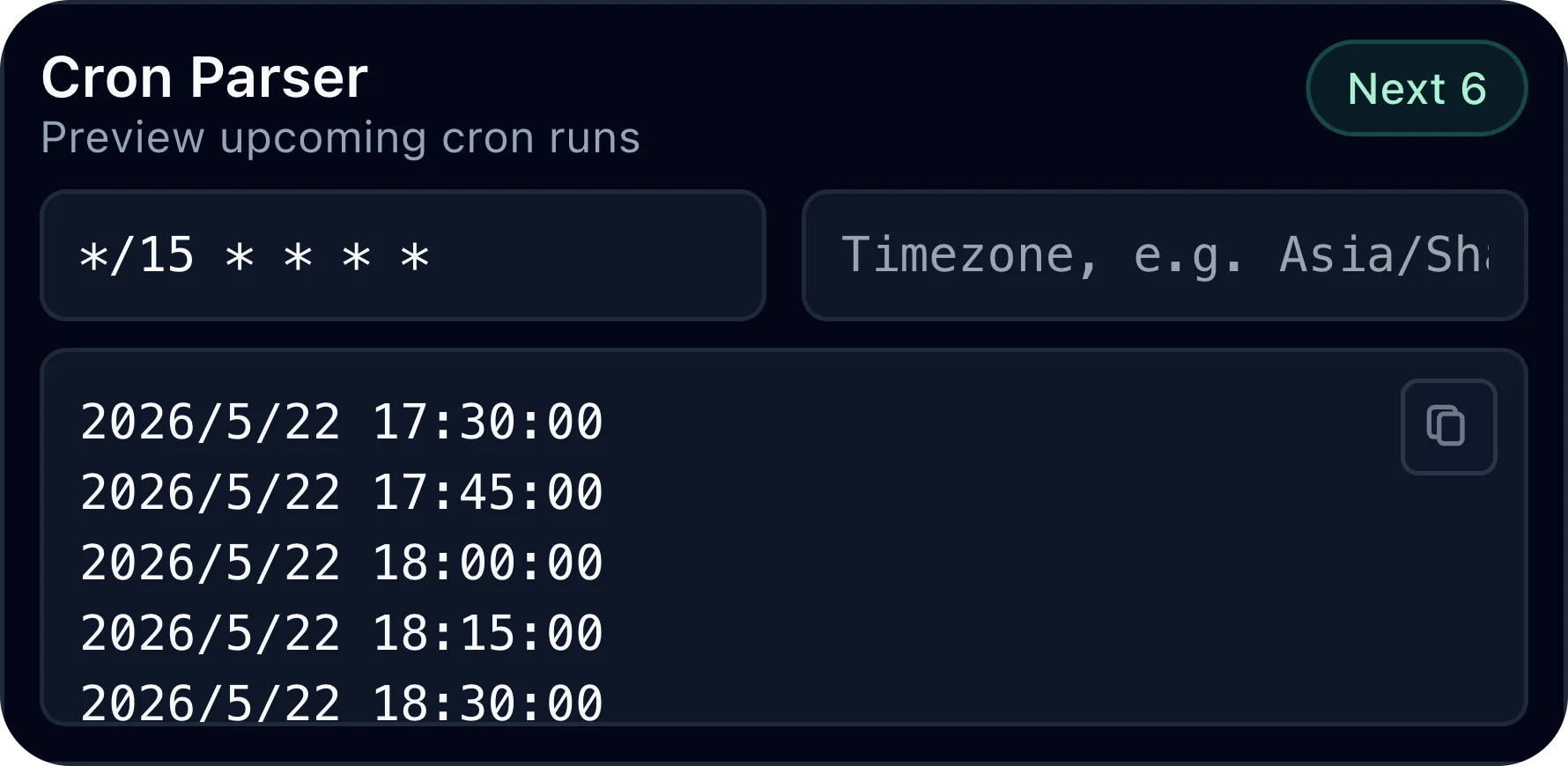
Cron Parser previews upcoming run times, Color Converter translates hex colors into RGB and HSL, and UUID Generator creates fresh v4 values for local development work.
Copy results from the output panel
Every result panel includes a small copy control in the output area, so formatted JSON, decoded values, generated hashes, converted dates, cron runs, and UUIDs can move back into your code, terminal, notes, or API client quickly.
Inputs and selectable output areas are marked for Kepo panel behavior, which keeps text editing and copying separate from widget dragging.
Developer Tools desktop widgets FAQ
Can I use Developer Tools as desktop widgets for coding utilities?
Yes. Developer Tools gives Kepo users separate desktop widgets for JSON formatting, JWT inspection, regex testing, hashes, encoding, text diffing, timestamps, cron parsing, colors, and UUID generation.
Does the Developer Tools plugin include a JSON formatter widget?
Yes. JSON Formatter can format, minify, validate, and sort JSON keys inside a Kepo widget.
Can I preview cron runs from the desktop?
Yes. Cron Parser validates a cron expression and shows upcoming run times in the widget.
Is this a replacement for an IDE or API client?
No. Developer Tools is for small repeated value checks. Use your IDE, terminal, API client, or original service when you need the full workflow.
Related Mac Desktop Widgets Resources
Explore more Mac desktop widgets and curated guides to run alongside this widget in Kepo:
Developer Tools does not replace an IDE, API client, or full debugging workflow.
It removes the smaller context switches around values you already have in front of you.
Stay informed with Kepo on your desktop
Embed interactive widgets, monitor dynamic sites, track APIs, and run ambient AI agents right on your macOS desktop.
Related Articles
View all posts →GitHub widgets for developers
The Kepo GitHub plugin turns common GitHub checks into focused desktop widgets for builders who need to stay aware without living in browser tabs.
Google Search Console desktop widget
The Kepo Google Search Console plugin turns repeated SEO checks into a small desktop view for the sites you watch every day.
X desktop widgets
The Kepo X plugin turns repeated Twitter checks into focused desktop widgets for social listening and daily account monitoring.
Instagram desktop widgets
The Kepo Instagram plugin helps creators and researchers check the Instagram views they revisit without opening the full app every time.