Kepo System Requirements: macOS Version, Apple Silicon and Intel Mac Support
Kepo needs a Mac with Apple Silicon (M1 or later) and macOS 12 Monterey or newer. Intel Macs are not supported. Here is how to check your Mac, what the download contains, and answers to common compatibility questions.
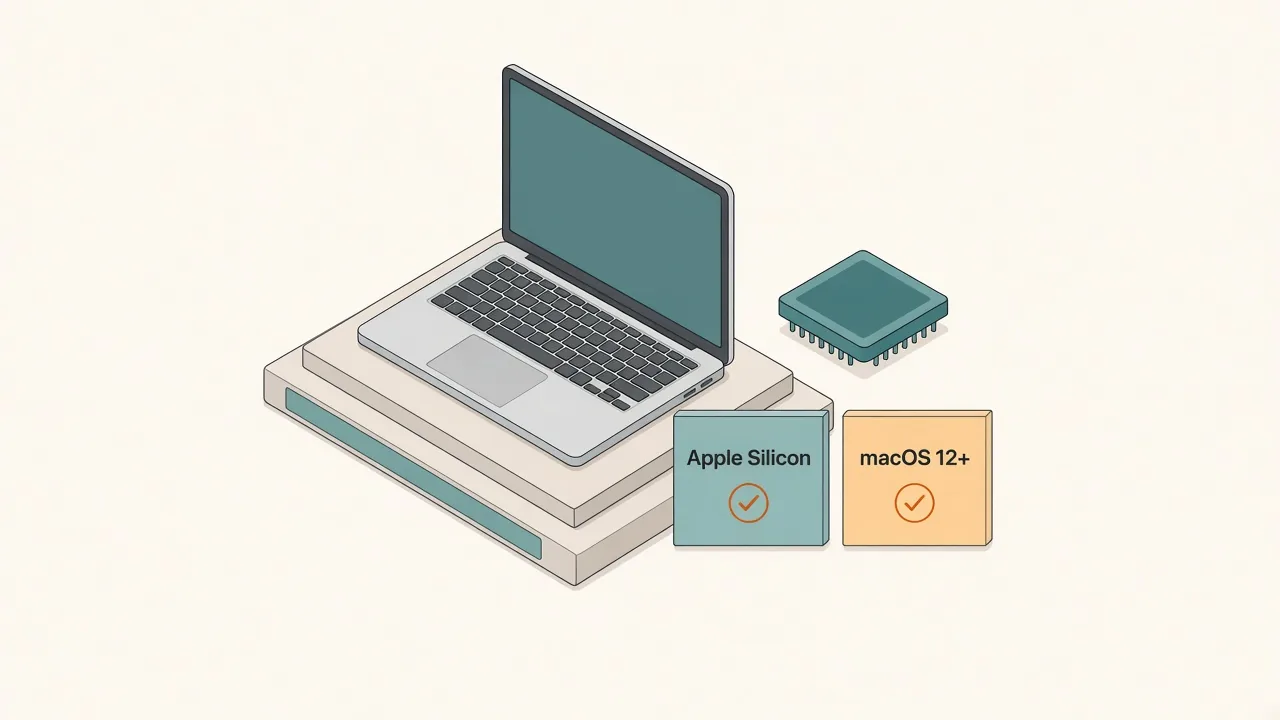
Kepo runs on Macs with Apple Silicon (M1 or later) and macOS 12 Monterey or newer. Intel-based Macs are not supported: there is no Intel build, and the Apple Silicon app cannot run on an Intel processor.
Those two lines are taken from the app itself, not from marketing copy. The details and a quick way to check your Mac are below.
Create it with Kepo AI
Kepo needs a Mac with Apple Silicon (M1 or later) and macOS 12 Monterey or newer.
Key solutions at a glance The main decisions from this guide, condensed into one table.
Kepo system requirements at a glance
Everything you need to check fits in one table.
| Requirement | Kepo for Mac |
|---|---|
| Processor | Apple Silicon (M1, M2, M3, M4 and later) |
| Intel Macs | Not supported |
| Minimum macOS | macOS 12 Monterey |
| Current download | Version 1.1.11, Apple Silicon (arm64) DMG, about 136 MB |
| Other platforms | Windows and Linux: no public download |
How we know: the app's Info.plist in the 1.1.11 download sets LSMinimumSystemVersion to 12.0, which is the lowest macOS version the system will open it on. The app's main executable is built only for arm64 (Apple Silicon). The app is signed with an Apple Developer ID certificate.
How to check if your Mac can run Kepo
It takes about ten seconds:
- Click the Apple menu in the top-left corner.
- Choose About This Mac.
- Look at Chip. If it says Apple M1, M2, M3, M4 or later, your processor is supported. If you see Processor with an Intel model instead, it is an Intel Mac.
- Look at the macOS line. It needs to be macOS 12 Monterey or later.
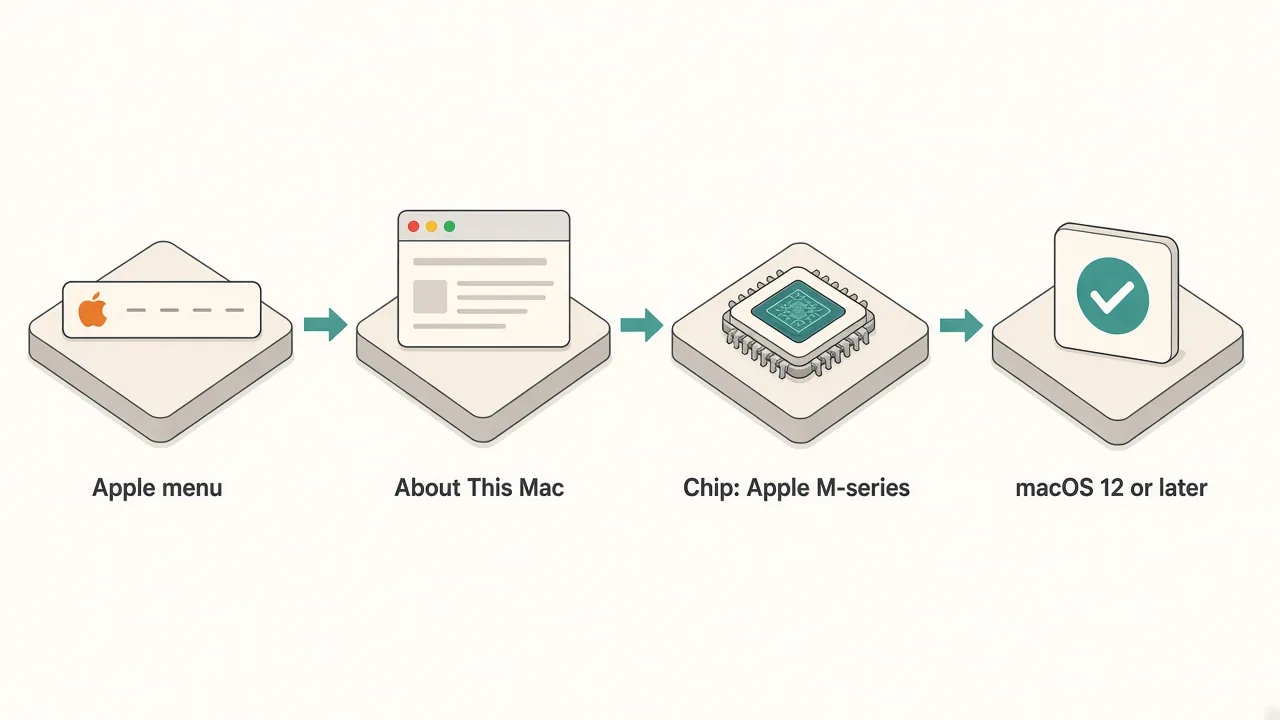
If both checks pass, download Kepo and open the DMG.
Apple Silicon vs Intel Mac: what works
The processor decides first, then the macOS version.
| Your Mac | Can it run Kepo? | Why |
|---|---|---|
| Apple Silicon, macOS 12 or later | Yes | Native arm64 build |
| Apple Silicon, macOS 11 Big Sur | No | Below the macOS 12.0 minimum the app declares |
| Intel Mac, any macOS | No | No Intel build is published |
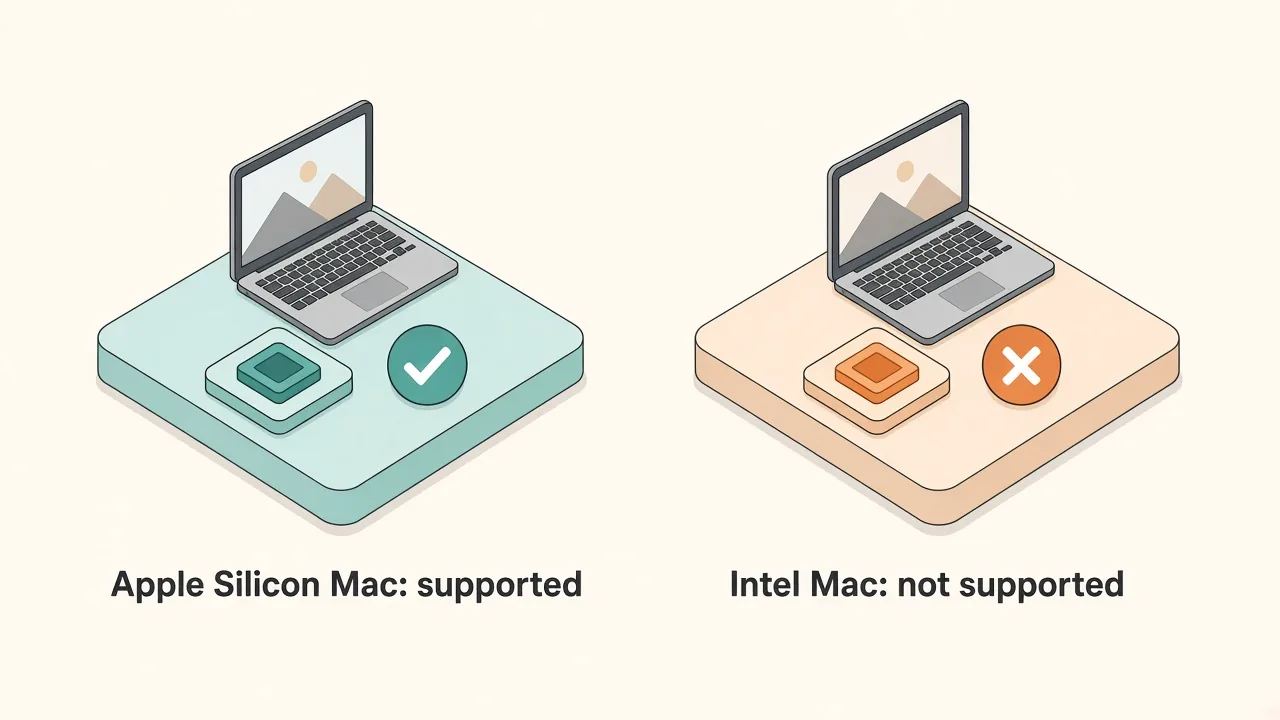
Rosetta 2 translates Intel apps so they run on Apple Silicon. It does not work in the other direction, so an Apple Silicon app like Kepo cannot be made to run on an Intel Mac.
Is an Intel version coming?
There is no Intel version today and no release date for one. If an Intel build is ever published, it will be listed on the download page. Until then, treat any page that says Kepo runs on Intel Macs as out of date.
If you are on an Intel Mac now, macOS's built-in widgets still work; see how to add widgets on Mac. Our free online tools run in any browser.
What else to expect after installing
- Internet access: widgets that read websites, RSS feeds or APIs need a connection to refresh.
- Permission prompts: the app declares macOS permission descriptions for things like Documents, Downloads, camera, microphone and controlling other apps. macOS only asks when a feature actually needs one, and you can decline.
- A shortcut panel, not a big window: Kepo is built around a panel you open with a global keyboard shortcut rather than a big app window. See Mac desktop widgets for how the panel works.
FAQ
What is the minimum macOS version for Kepo?
macOS 12 Monterey. The app sets 12.0 as its minimum system version, so macOS will not open it on Big Sur or earlier.
Does Kepo work on Intel Macs?
No. Kepo is currently Apple Silicon only. There is no Intel build, and Apple Silicon apps cannot run on Intel processors.
Does Kepo work on M1 Macs?
Yes. Any Apple Silicon Mac, from the first M1 models onward, can run Kepo as long as it has macOS 12 or later.
Does Kepo run on macOS Sonoma, Sequoia or Tahoe?
They all meet the requirement. Each is newer than macOS 12, the minimum the app declares, so an Apple Silicon Mac on any of them can install Kepo.
Is there a Windows version of Kepo?
Not publicly. The only download offered today is the Mac app for Apple Silicon.
Soft CTA
If your Mac shows an Apple M-series chip and macOS 12 or later, you are set. Download Kepo, then start with a few free widgets for Mac.
Stay informed with Kepo on your desktop
Embed interactive widgets, monitor dynamic sites, track APIs, and run ambient AI agents right on your macOS desktop.
Related Articles
View all posts →How to calculate days between dates and business days
Enter two dates to count calendar days, weekdays, and weekends. Check whether to include the end date, follow a worked example, and account separately for holidays.
How to find IP address on Mac: local vs. public IP explained
Learn how to find IP address on Mac across local network interfaces and public gateways. Master Terminal shortcuts, understand private vs. public routing, and pin live network widgets to your desktop.
How to crop an image on Mac: native tools and instant workflows
Crop an image on Mac with Preview or Photos, or try the center-crop tool on this page. Compare selection controls, aspect ratios, PNG export, and ways to preserve the original.
How to add widgets on Mac with AI-built custom widgets
A practical guide to adding widgets to the Mac desktop, using the built-in widget gallery, and creating custom widgets when the widget you need does not already exist.