Bilibili desktop widgets
The Kepo Bilibili plugin keeps video discovery and logged-in Bilibili checks close to your desktop workspace.
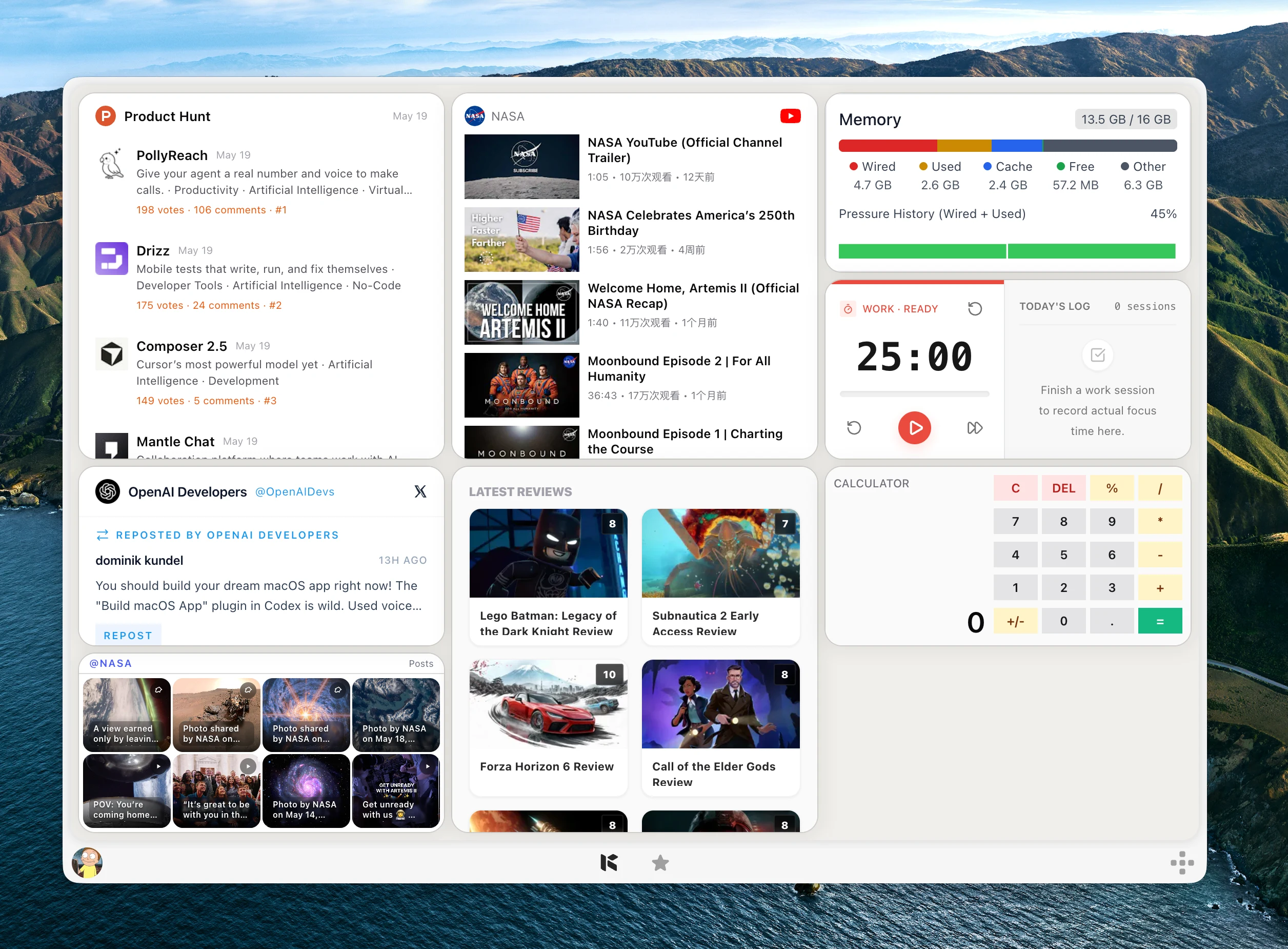
Bilibili has several different signals: hot videos, category rankings, creator updates, search results, personal dynamics, and message activity.
Opening the full site for each of those checks can interrupt the work you are doing.
Kepo turns the repeated Bilibili views into desktop widgets so you can decide when a video or message deserves a deeper look.
Bilibili widgets work best when each one answers a specific video or account question.
Create it with Kepo AI
Bilibili widgets work best when each one answers a specific video or account question.
Key solutions at a glance The main decisions from this guide, condensed into one table.
Who needs Bilibili widgets
Creators can follow their own niche and message activity. Researchers can watch category rankings and keyword results.
Fans and operators can keep favorite creators or personal dynamics visible without repeatedly opening Bilibili.
Hot videos, rankings, creators, search, dynamics, and messages
Hot Videos and Ranking help with broad discovery. Creator Latest follows one UP creator by numeric ID.
Keyword Search follows video search results, while Personal Dynamic and Message Notifications depend on a logged-in Bilibili session.
Choose categories and exact creator IDs
Ranking supports category selection. Creator Latest works with the numeric creator ID from the Bilibili space URL.
Message widgets support different message types such as replies, mentions, likes, private messages, and system notifications.
Bilibili desktop widgets FAQ
Can I follow a Bilibili creator from my desktop?
Yes. Creator Latest shows recent videos for one creator ID from a Bilibili space URL.
Can I monitor Bilibili rankings?
Yes. Ranking shows a selected Bilibili ranking category such as all-site, animation, music, games, knowledge, technology, and more.
Which Bilibili widgets need login?
Personal Dynamic and Message Notifications need a logged-in Bilibili session for reliable results.
Related Mac Desktop Widgets Resources
Explore more Mac desktop widgets and curated guides to run alongside this widget in Kepo:
Bilibili remains where you watch and interact.
Kepo keeps the repeated video discovery and message checks visible.
Stay informed with Kepo on your desktop
Embed interactive widgets, monitor dynamic sites, track APIs, and run ambient AI agents right on your macOS desktop.
Related Articles
View all posts →GitHub widgets for developers
The Kepo GitHub plugin turns common GitHub checks into focused desktop widgets for builders who need to stay aware without living in browser tabs.
Developer Tools desktop widgets
The Kepo Developer Tools plugin turns small developer checks into desktop widgets so JSON, JWTs, regex tests, hashes, timestamps, cron schedules, colors, diffs, and UUIDs stay one glance away.
Google Search Console desktop widget
The Kepo Google Search Console plugin turns repeated SEO checks into a small desktop view for the sites you watch every day.
X desktop widgets
The Kepo X plugin turns repeated Twitter checks into focused desktop widgets for social listening and daily account monitoring.