RSS Reader desktop widget and ticker
The Kepo RSS Reader plugin helps you follow blogs, newsletters, changelogs, and news feeds without opening a separate reader.
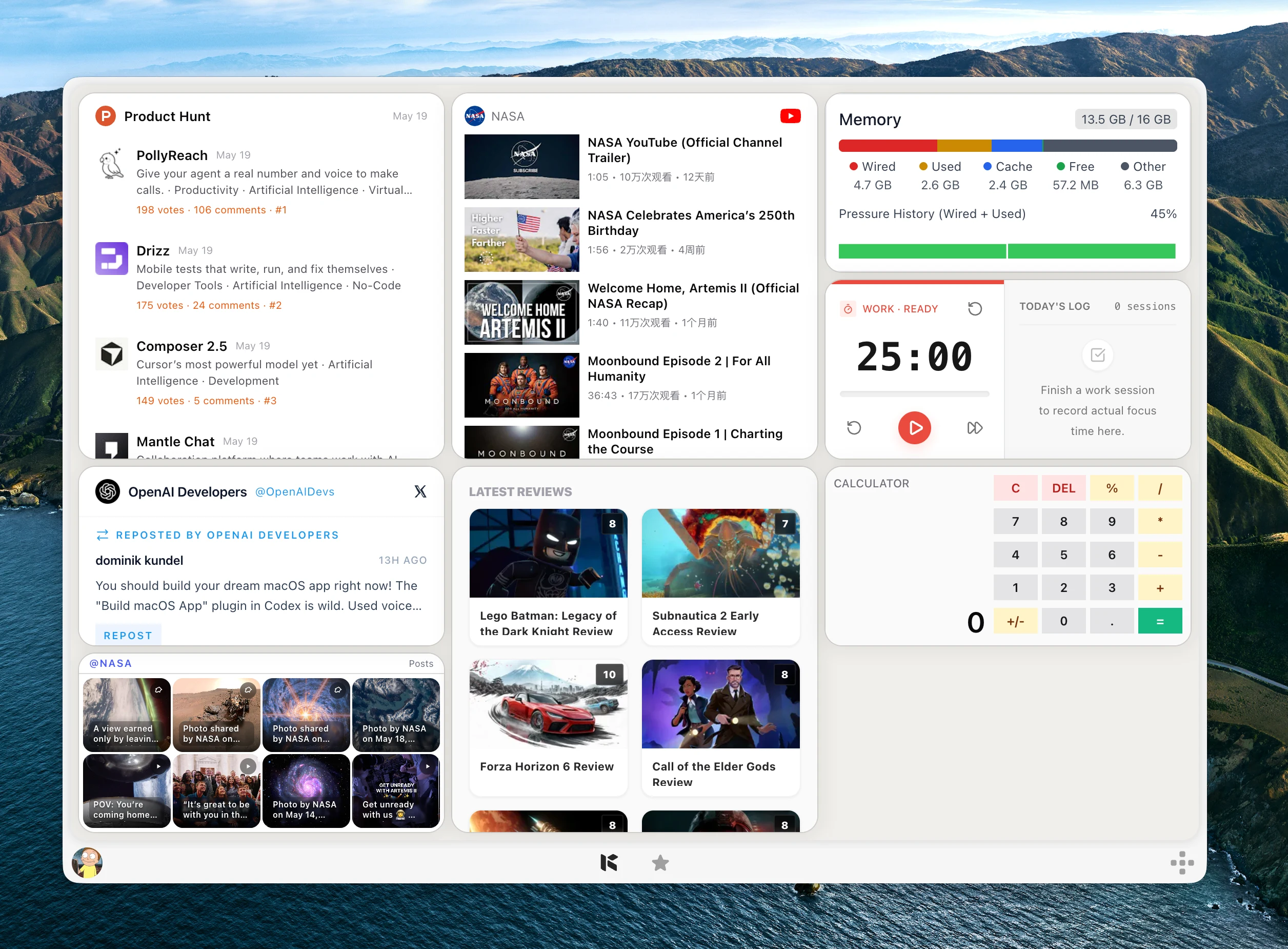
RSS is still one of the cleanest ways to follow sites without algorithms or social feeds.
The problem is that a separate RSS reader can become another app you forget to open.
Kepo puts one feed directly into a desktop widget so updates stay close to the rest of your work.
RSS works best when each widget tracks one source you truly care about.
Create it with Kepo AI
RSS works best when each widget tracks one source you truly care about.
Key solutions at a glance The main decisions from this guide, condensed into one table.
Who needs an RSS desktop widget
Developers can follow changelogs and engineering blogs. Writers can watch newsletters and publications. Operators can keep product updates or status feeds nearby.
Use multiple widgets when you want separate feeds instead of mixing everything into one inbox.
Use it as a desktop RSS ticker
A desktop RSS ticker is useful when you only need the latest titles, source links, and timestamps. It is not trying to replace a full Mac RSS reader.
Use RSS Reader for the few feeds you want to notice during work: release notes, product updates, incident feeds, research sources, or a small news feed.
RSS and Atom feeds in one small surface
RSS Reader supports RSS and Atom URLs. You paste a feed URL, choose a theme color, and the widget shows recent items with links back to the source.
The widget is for reading updates quickly, not for managing a large feed library.
Use clean public feed URLs
The feed quality depends on the source site. A broken or empty feed will produce an empty state or an error.
When a site provides multiple feeds, choose the one closest to the topic you want to follow.
RSS Reader desktop widget and ticker FAQ
Can I use this as an RSS widget on Mac?
Yes. RSS Reader works as an RSS widget for Mac by showing one public RSS or Atom feed in Kepo.
Can I use RSS Reader as a desktop RSS ticker?
Yes. Use it as a compact desktop RSS ticker when you only need to notice the newest items from one feed.
Can I add an RSS feed to my desktop?
Yes. RSS Reader shows one RSS or Atom feed inside a Kepo desktop widget.
Can I follow multiple RSS feeds?
Yes. Use multiple RSS Reader widgets when you want to watch multiple feed URLs.
Does RSS Reader require login?
No. It works best with public RSS or Atom feed URLs.
Related Mac Desktop Widgets Resources
Explore more Mac desktop widgets and curated guides to run alongside this widget in Kepo:
Your original site remains the place to read full posts.
Kepo keeps the latest feed items visible so you know when something changed.
Stay informed with Kepo on your desktop
Embed interactive widgets, monitor dynamic sites, track APIs, and run ambient AI agents right on your macOS desktop.
Related Articles
View all posts →GitHub widgets for developers
The Kepo GitHub plugin turns common GitHub checks into focused desktop widgets for builders who need to stay aware without living in browser tabs.
Developer Tools desktop widgets
The Kepo Developer Tools plugin turns small developer checks into desktop widgets so JSON, JWTs, regex tests, hashes, timestamps, cron schedules, colors, diffs, and UUIDs stay one glance away.
Google Search Console desktop widget
The Kepo Google Search Console plugin turns repeated SEO checks into a small desktop view for the sites you watch every day.
X desktop widgets
The Kepo X plugin turns repeated Twitter checks into focused desktop widgets for social listening and daily account monitoring.