System Monitor desktop widget
The Kepo System Monitor plugin keeps local CPU and memory status visible while you work.
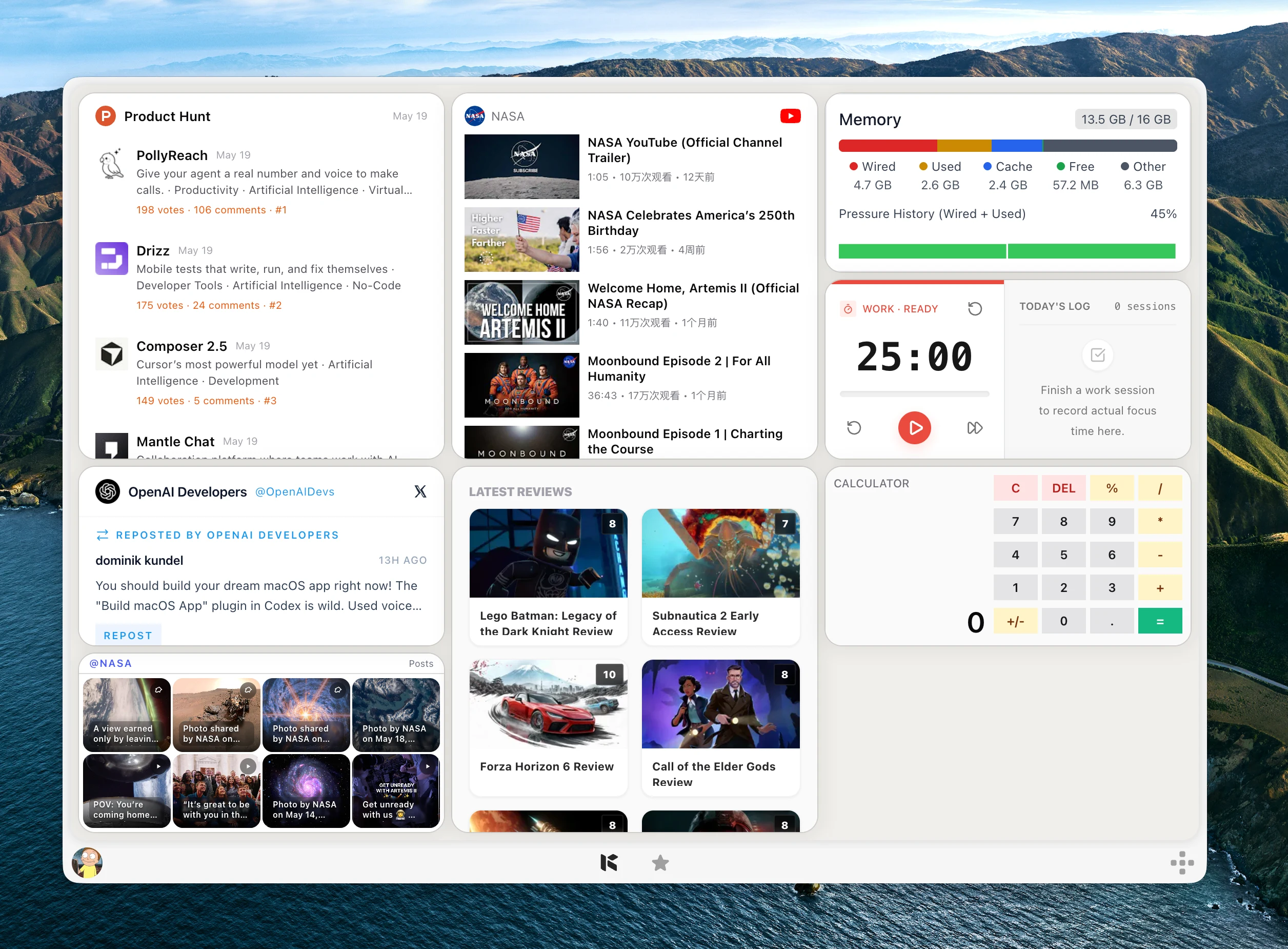
Performance problems often start as small signals: a fan spins up, memory pressure rises, or one app starts using too much CPU.
You may not need a full system utility open all day, but you do need a quick way to notice pressure.
System Monitor keeps CPU and memory checks inside Kepo.
System Monitor is for observing your current machine, not controlling processes.
Create it with Kepo AI
System Monitor is for observing your current machine, not controlling processes.
Key solutions at a glance The main decisions from this guide, condensed into one table.
Who needs a system monitor widget
Developers, designers, and power users can watch resource pressure while running heavy apps.
It is useful when you want quick awareness without opening Activity Monitor every time.
CPU and memory widgets
The CPU widget shows current load, recent history, and heavier process activity.
The memory widget shows usage, distribution, and memory-heavy apps.
No setup required
System Monitor watches the current machine only and does not need login or server configuration.
Larger widget sizes provide more room for detail when you are troubleshooting.
System Monitor desktop widget FAQ
Can I monitor CPU usage from my desktop?
Yes. System Monitor includes a CPU widget for current load, recent history, and heavier process activity.
Can I see memory pressure in Kepo?
Yes. The memory widget shows memory usage, distribution, and memory-heavy apps.
Does System Monitor control or stop processes?
No. It is for observation only.
Related Mac Desktop Widgets Resources
Explore more Mac desktop widgets and curated guides to run alongside this widget in Kepo:
Kepo keeps resource pressure visible.
Dedicated system tools remain the place for deeper inspection and process control.
Stay informed with Kepo on your desktop
Embed interactive widgets, monitor dynamic sites, track APIs, and run ambient AI agents right on your macOS desktop.
Related Articles
View all posts →GitHub widgets for developers
The Kepo GitHub plugin turns common GitHub checks into focused desktop widgets for builders who need to stay aware without living in browser tabs.
Developer Tools desktop widgets
The Kepo Developer Tools plugin turns small developer checks into desktop widgets so JSON, JWTs, regex tests, hashes, timestamps, cron schedules, colors, diffs, and UUIDs stay one glance away.
Google Search Console desktop widget
The Kepo Google Search Console plugin turns repeated SEO checks into a small desktop view for the sites you watch every day.
X desktop widgets
The Kepo X plugin turns repeated Twitter checks into focused desktop widgets for social listening and daily account monitoring.