Weibo desktop widgets
The Kepo Weibo plugin helps social teams and researchers monitor Sina Weibo signals without reopening the site for every check.
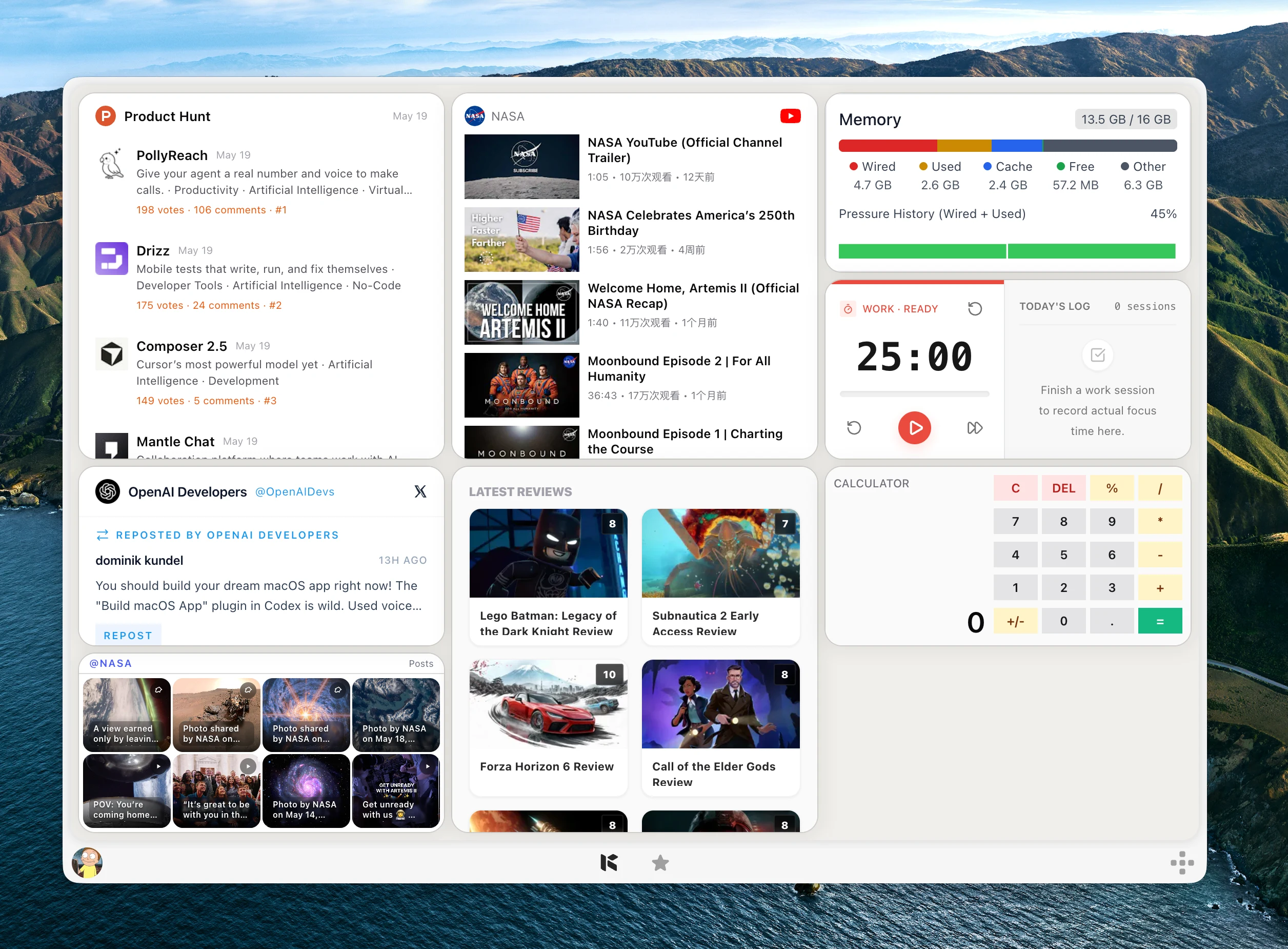
Weibo can move quickly during news, product launches, entertainment cycles, and public discussion.
You may need hot search topics, posts for one keyword, mentions for a logged-in account, or recent posts from one profile.
Kepo separates those checks into focused widgets so you can notice movement without keeping Weibo open all day.
Weibo widgets are for fast awareness: what is hot, what mentions you, and what one account is posting.
Create it with Kepo AI
Weibo widgets are for fast awareness: what is hot, what mentions you, and what one account is posting.
Key solutions at a glance The main decisions from this guide, condensed into one table.
Who needs Weibo widgets
Social teams, founders, creators, and market researchers often need quick Weibo awareness.
The plugin is useful when Weibo is a signal source, not the place where you want to spend the whole day.
Hot search, keywords, mentions, and profile feeds
Weibo Hot Search shows current hot topics. Weibo Keyword Feed tracks one search keyword.
Weibo Mentions follows selected logged-in message tabs, and Weibo Profile Feed follows one account by UID or profile URL.
Login and exact inputs matter
Mentions require a logged-in Weibo session. Profile Feed works best with a numeric UID or a URL such as https://weibo.com/u/2028810631.
Scheduled refreshes do not open the browser by themselves, so complete any required login step first.
Weibo desktop widgets FAQ
Can I see Weibo hot search on my desktop?
Yes. Weibo Hot Search shows current hot search topics and heat labels in a Kepo widget.
Can I monitor a Weibo keyword?
Yes. Weibo Keyword Feed uses one exact keyword and shows related posts from Weibo search.
Does Weibo Mentions require login?
Yes. Mentions uses the logged-in Weibo browser session and the selected message tab.
Related Mac Desktop Widgets Resources
Explore more Mac desktop widgets and curated guides to run alongside this widget in Kepo:
Weibo remains where you read context and interact.
Kepo keeps repeated monitoring views close enough to notice changes.
Stay informed with Kepo on your desktop
Embed interactive widgets, monitor dynamic sites, track APIs, and run ambient AI agents right on your macOS desktop.
Related Articles
View all posts →GitHub widgets for developers
The Kepo GitHub plugin turns common GitHub checks into focused desktop widgets for builders who need to stay aware without living in browser tabs.
Developer Tools desktop widgets
The Kepo Developer Tools plugin turns small developer checks into desktop widgets so JSON, JWTs, regex tests, hashes, timestamps, cron schedules, colors, diffs, and UUIDs stay one glance away.
Google Search Console desktop widget
The Kepo Google Search Console plugin turns repeated SEO checks into a small desktop view for the sites you watch every day.
X desktop widgets
The Kepo X plugin turns repeated Twitter checks into focused desktop widgets for social listening and daily account monitoring.