What is a widget, and what can AI widgets do?
Widgets appear on desktops, phones, websites, dashboards, and apps. The useful ones all have the same job: make one repeated check or action easier.
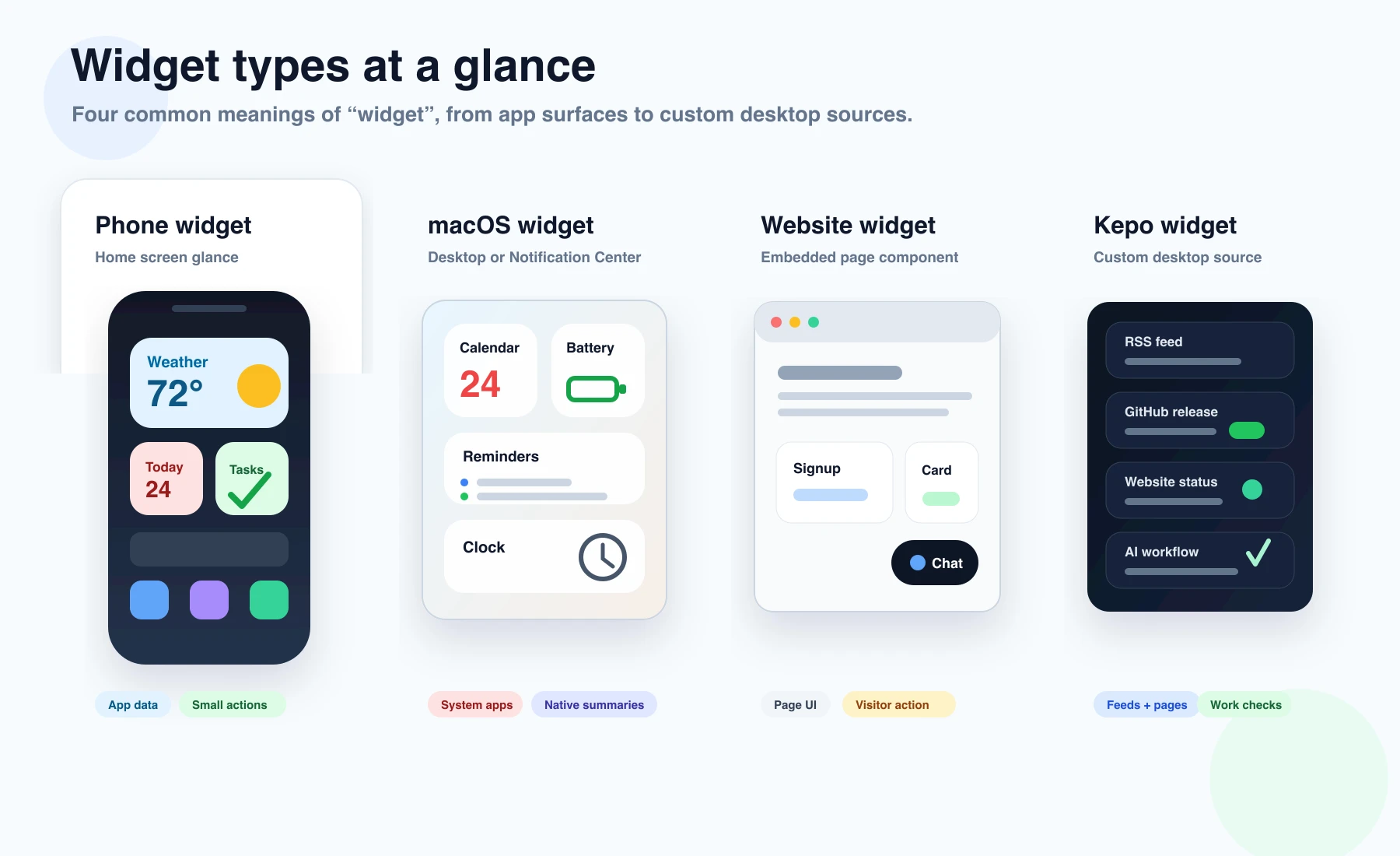
A widget is a small, focused interface. It usually shows information, accepts a simple input, or performs one lightweight action without asking you to open a full app.
You have probably seen widgets on a phone home screen, a Mac desktop, a website sidebar, a dashboard, or inside a productivity app.
The point of a widget is not to do everything. With AI-built widgets, the point is to keep one custom source, check, or workflow close.
Create it with Kepo AI
The point of a widget is not to do everything.
Key solutions at a glance The main decisions from this guide, condensed into one table.
Common types of widgets
A phone widget might show weather, calendar events, battery level, or a todo list. A Mac widget might show reminders, headlines, or information from a supported app.
A website widget might be a chat box, signup form, embedded calendar, product card, or review badge. A dashboard widget might show a metric, chart, alert, or system status.
Desktop widgets
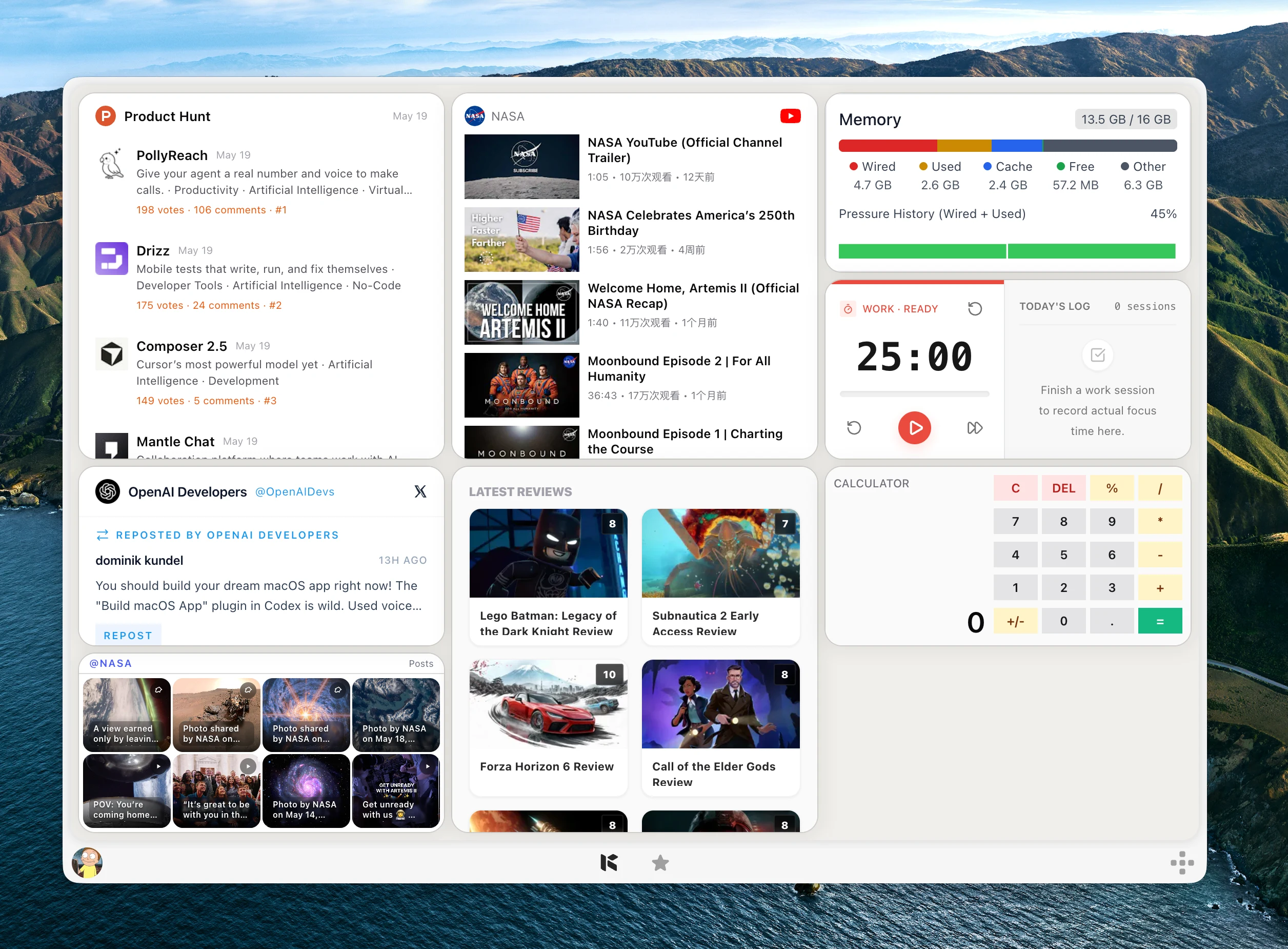
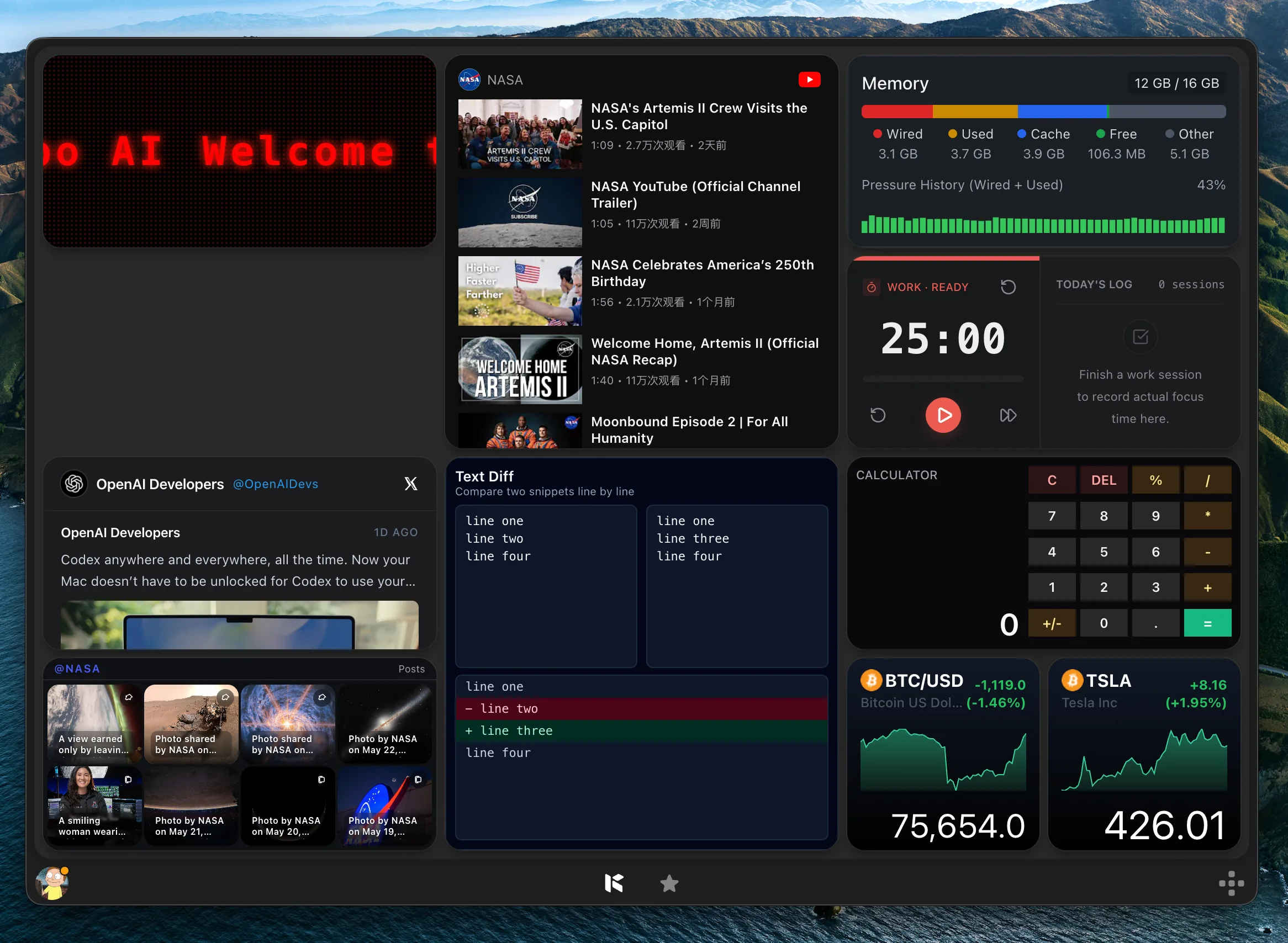
Desktop widgets are designed for glanceable information. They are useful when you want something visible while you work, such as a feed, timer, monitor, price, or status.
On Mac, built-in widgets come from supported apps. Kepo adds another path: custom desktop widgets for information sources and workflows that do not already have a native widget.
Website widgets
A website widget is usually embedded inside a page. It might help visitors chat with support, subscribe to a newsletter, book a meeting, see related content, or use a small tool.
Website widgets are built for visitors. Desktop widgets are built for the person using the computer. They can look similar, but the job is different.
What makes a widget useful
A widget is useful when it saves a repeated switch. If you open the same page, check the same feed, run the same small text task, or watch the same status many times, that task may be a good widget.
A widget is less useful when the task requires deep reading, long editing, complex settings, or many unrelated choices. Those usually belong in the full app.
Widget FAQ
What is a widget in simple words?
A widget is a small interface that shows useful information or performs a simple action without opening a full app.
What is a widget on a website?
A website widget is a small embedded feature such as chat, signup, calendar, search, reviews, or a small interactive tool.
What is a desktop widget?
A desktop widget is a small surface on your desktop or desktop panel that keeps information or a simple tool easy to access.
A widget is useful when it keeps one repeated thing close.
Kepo focuses on that kind of widget: small desktop surfaces for feeds, monitors, tools, and custom workflows.
Stay informed with Kepo on your desktop
Embed interactive widgets, monitor dynamic sites, track APIs, and run ambient AI agents right on your macOS desktop.
Related Articles
View all posts →How to calculate days between dates and business days
Enter two dates to count calendar days, weekdays, and weekends. Check whether to include the end date, follow a worked example, and account separately for holidays.
How to find IP address on Mac: local vs. public IP explained
Learn how to find IP address on Mac across local network interfaces and public gateways. Master Terminal shortcuts, understand private vs. public routing, and pin live network widgets to your desktop.
How to crop an image on Mac: native tools and instant workflows
Crop an image on Mac with Preview or Photos, or try the center-crop tool on this page. Compare selection controls, aspect ratios, PNG export, and ways to preserve the original.
How to add widgets on Mac with AI-built custom widgets
A practical guide to adding widgets to the Mac desktop, using the built-in widget gallery, and creating custom widgets when the widget you need does not already exist.